

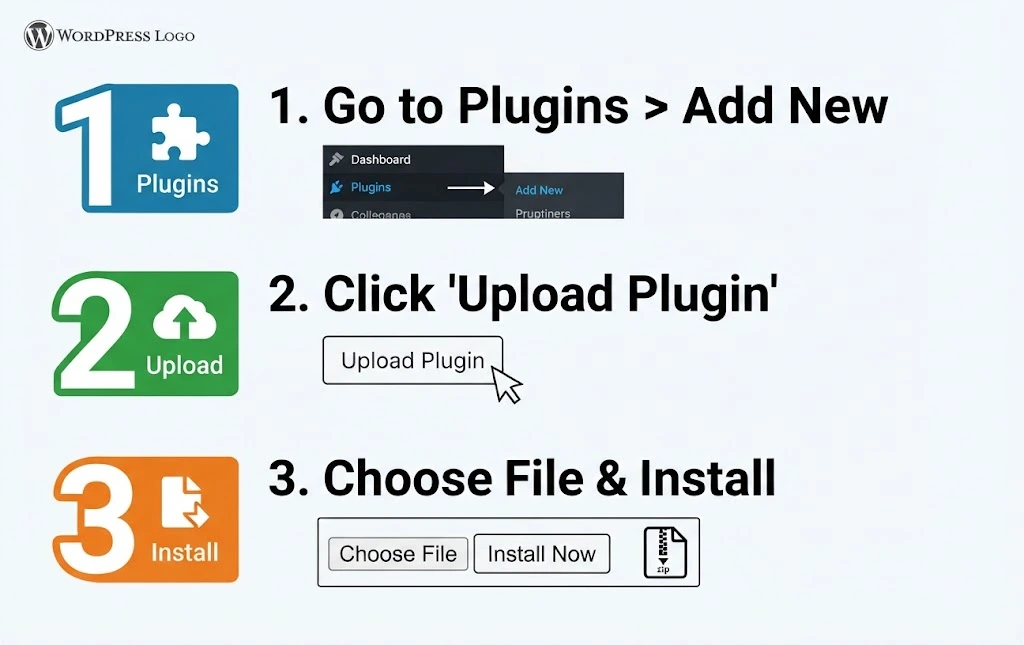
When you purchase our Silver or Gold VIP Membership you will receive our update-manager.Install as you would any WordPress plugin. In WordPress, go to Plugins → Add New Plugin → Upload Plugin, choose the zip file of our plugin, click Install Now, then Activate Plugin.
Step 2. Enter your update key.
Back in your account dashboard, Or alternately in your receipt emai you will find your update key.
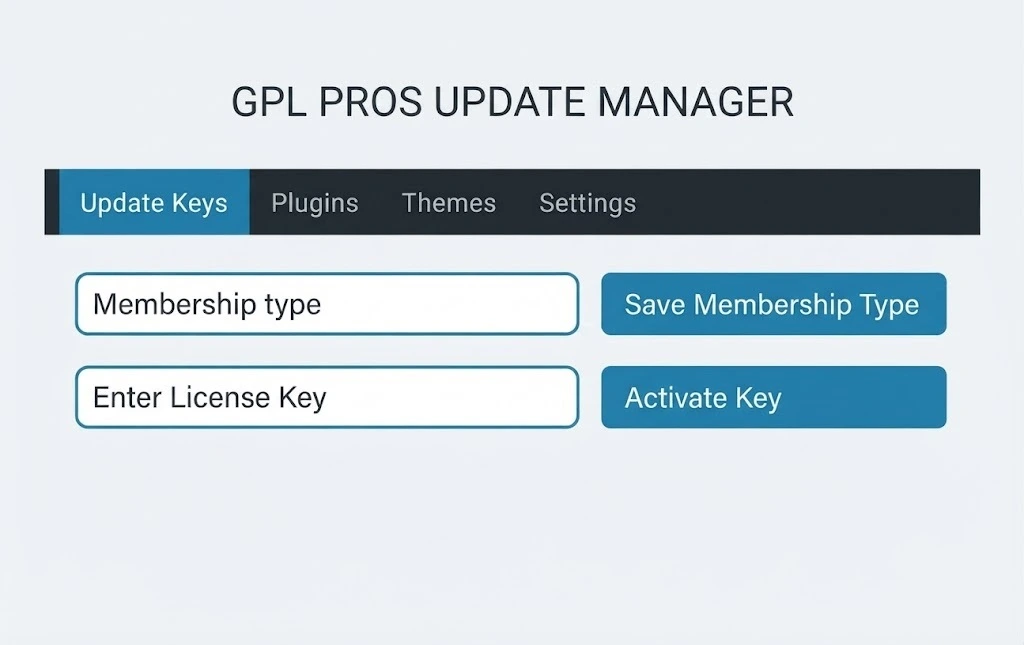
In WordPress, go to Tools → GPLPros. CLick it and you will be taken to the Update Keys tab, paste the update key into the box, then click Activate.
New versions now show up in your WordPress dashboard.
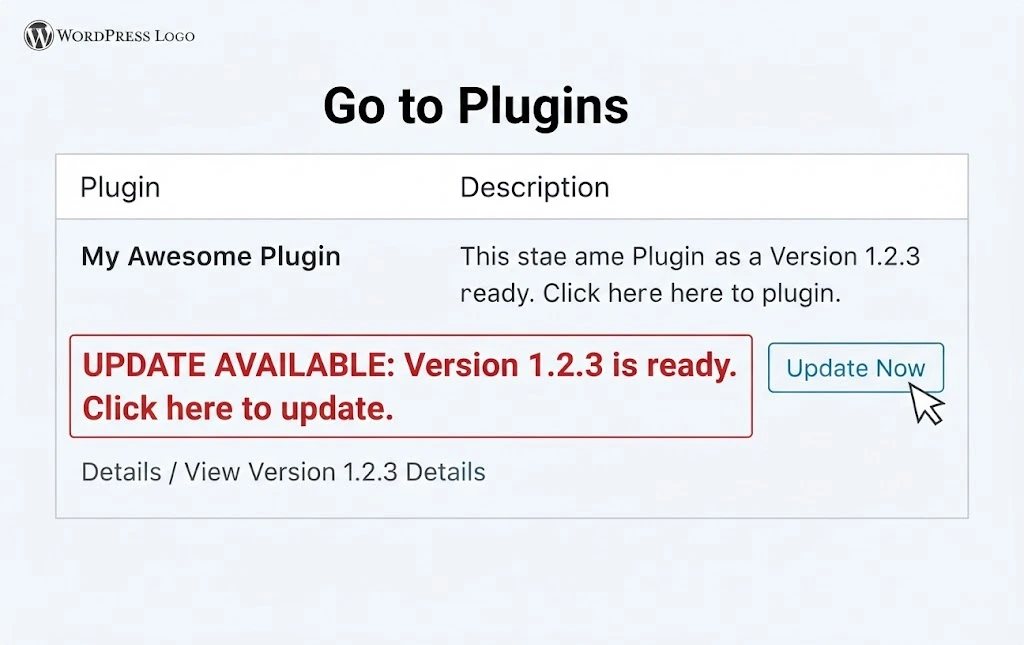
When a new version is ready, WordPress offers it to you right beside your plugins you downloaded from GPLPros. Click update now, the same as you would for any plugin from WordPress.org.
Under the Plugin/Theme Tab every plugin/theme on your site is listed, and the ones from GPLPros carry the GPLPros logo. The Available column shows any new version waiting.
Backups & Rollbacks
Before any plugin or theme updates, the Update Manager zips the version you are running. That covers every plugin on the site, ours and everyone else’s.
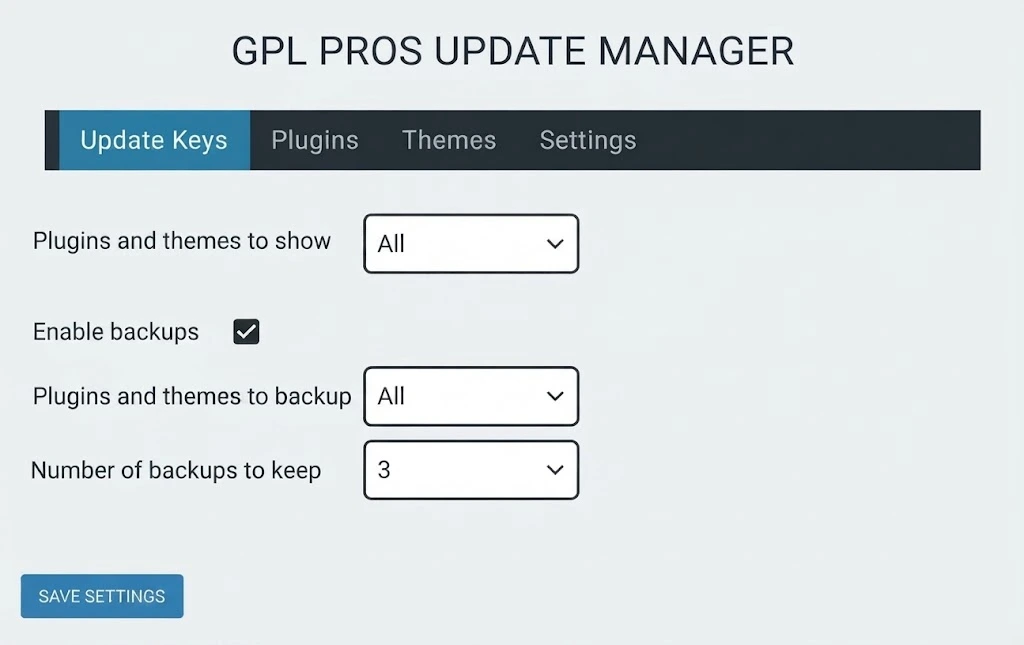
Three versions are kept for each one,you may update this to five.
Under the Settings tab you will Find the item and pick a version in the Backups column.
Click Roll back.
The old version is back and the version you chose is up and running on your site.
These are backups of plugin and theme files, not of your site, so keep a real site backup running as well.


